
Download exe4j – JAR to EXE, Windows executable, Java application, native executable, code protection, Windows service, IDE integration
Overview
exe4j is a specialized utility designed to simplify the deployment of Java applications on Windows platforms by converting JAR files into native executable EXE files. This transformation allows end-users to launch Java-based software with a simple double-click, eliminating the need for manual Java Runtime Environment (JRE) setup or command-line execution. The app is particularly valuable for developers aiming to distribute their applications to non-technical users who may lack familiarity with Java or command-line tools. By packaging Java applications into standalone executables, exe4j enhances accessibility, improves user experience, and streamlines the distribution process.
Target users include software developers, enterprise IT teams, and independent programmers working with Java-based desktop applications. The tool is especially beneficial for those who need to deploy applications in environments where JRE installation is restricted or undesirable. exe4j supports real-world scenarios such as creating self-contained installers for internal tools, commercial desktop software, or background services that run without user interaction. Its integration with development workflows ensures that the conversion process becomes part of the regular build pipeline, reducing manual overhead.
Developed by ej-technologies, exe4j has established itself as a trusted solution in the Java developer ecosystem. The application plays a critical role in bridging the gap between Java’s cross-platform nature and the expectations of Windows users who demand native-like execution. With its focus on security, customization, and compatibility, exe4j remains a key tool for professional Java application distribution.
Key Features & Functionality
- Native Executable Creation: Converts JAR files into fully functional Windows EXE files, enabling seamless execution without requiring a JRE installation on the target machine.
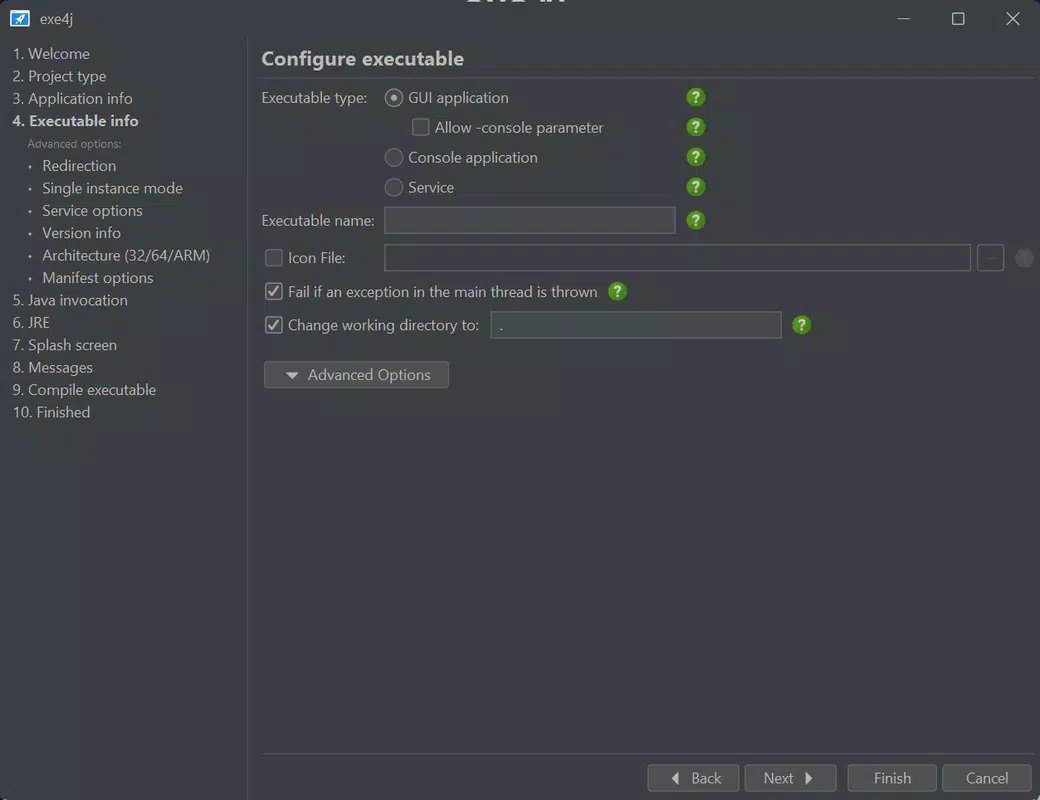
- Advanced Customization Options: Allows developers to define memory allocation, JVM startup parameters, environment variables, and default working directories to optimize performance and compatibility.
- Code Protection Features: Offers obfuscation and integrity verification to prevent reverse engineering and unauthorized modification of the application’s code.
- Windows Services Support: Enables Java applications to be configured as Windows services, allowing them to run in the background, start automatically on boot, and operate without user interaction.
- IDE Integration: Seamlessly integrates with popular development environments such as Eclipse, IntelliJ IDEA, and NetBeans, enabling direct executable generation from within the IDE.
- Command Line Support: Provides a CLI interface for automation, allowing integration into build scripts and continuous integration pipelines.
For example, a developer building a data processing tool can use exe4j to create an EXE that pre-configures JVM memory settings and runs as a Windows service, ensuring uninterrupted operation. Similarly, a commercial software vendor can leverage code protection features to safeguard their intellectual property from tampering. The tool’s flexibility makes it suitable for both internal tools and market-ready products.
Interface, UX & Performance
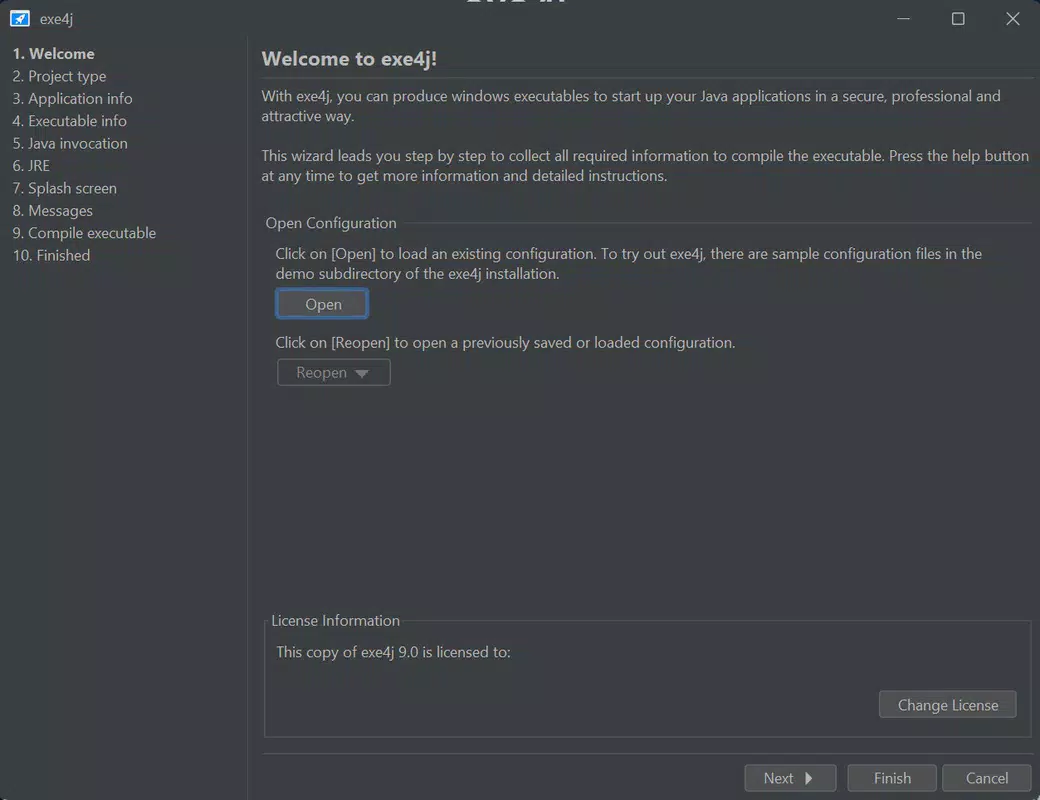
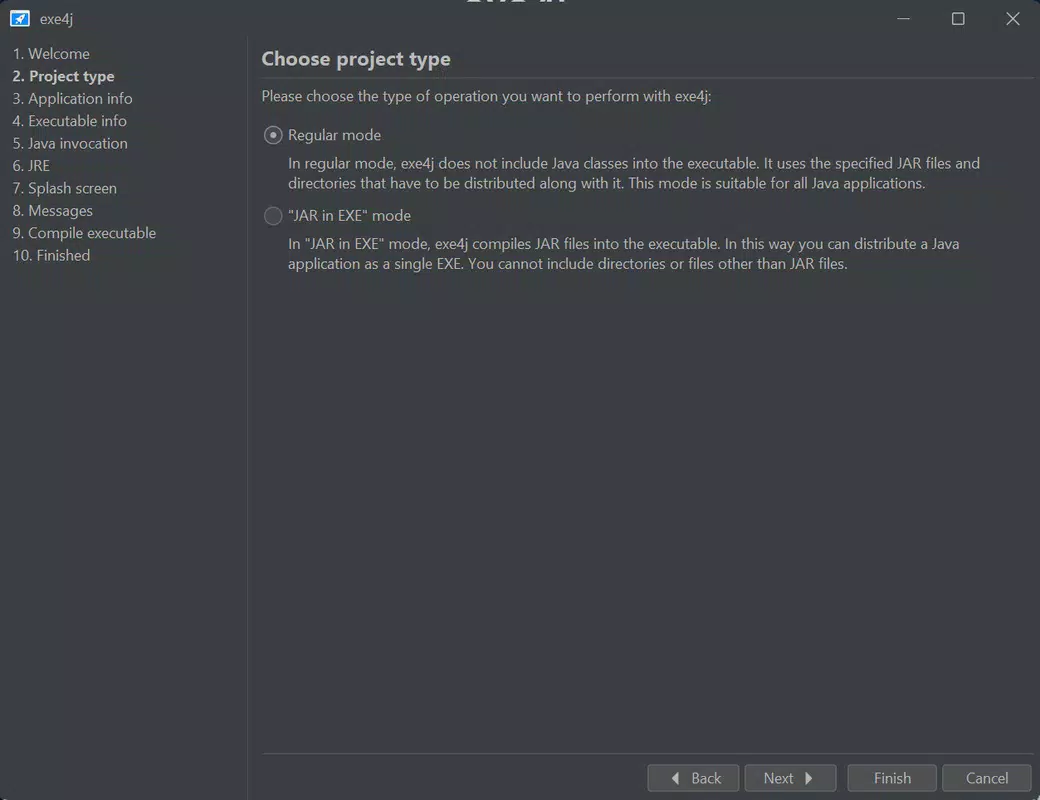
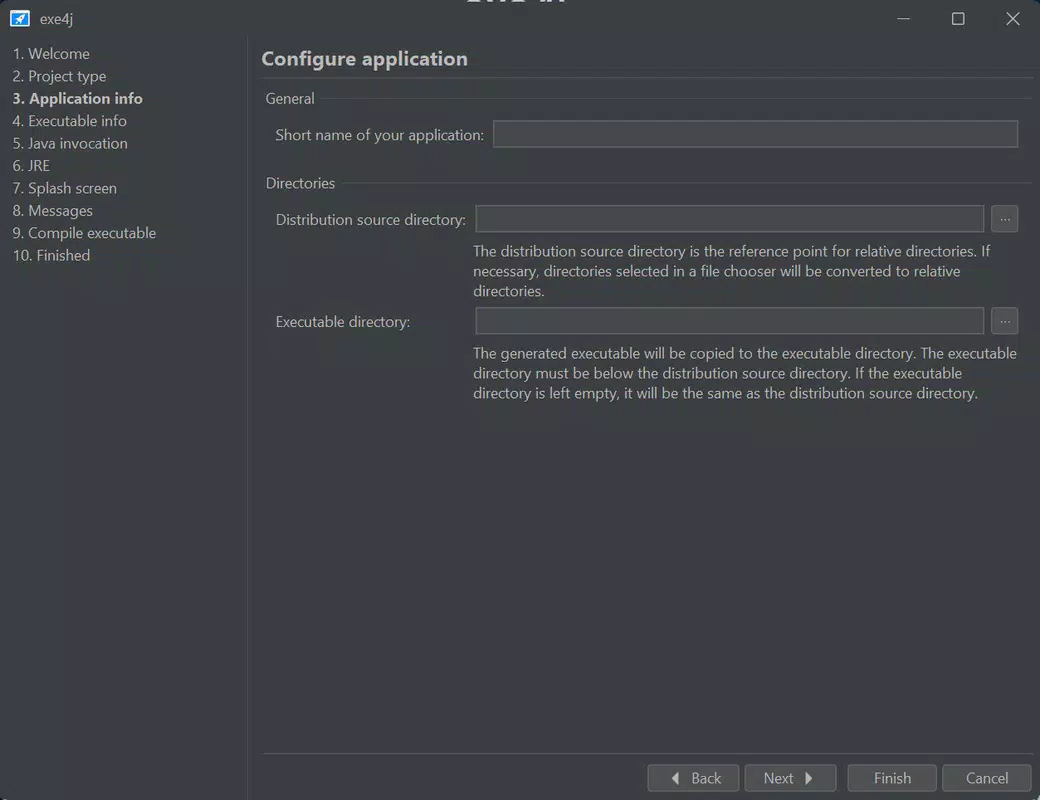
exe4j features a clean, intuitive interface designed for developers with a focus on configuration accuracy and workflow efficiency. The user interface is structured around a step-by-step wizard, guiding users through the conversion process with clear labels and logical navigation. Visual elements are minimal but functional, emphasizing readability and ease of use over aesthetic flair.
Navigating between configuration sections is straightforward, with a sidebar menu and progress indicators that help users track their setup. The layout supports both quick configurations and in-depth customization, making it accessible to beginners while still offering advanced options for experienced developers. Although the developer did not list formal performance metrics, the application operates efficiently on modern Windows systems, with minimal startup delay and responsive interaction during configuration.
Performance is consistent across different device categories, including standard desktops and high-end workstations. The tool does not consume excessive system resources during operation, and stability is maintained even when handling complex configurations. Responsiveness remains high during the creation of large executables, and the application does not exhibit crashes or freezes under normal use. Users can expect reliable execution across typical development environments.
Platform Compatibility & Technical Requirements
exe4j is designed exclusively for the Windows operating system. It supports modern Windows versions, including Windows 10 and Windows 11, though specific OS requirements were not listed by the developer. The application has a file size of 28.7 MB, which is relatively compact for a development tool with extensive functionality.
The software version is 6.0.0, indicating a stable and updated release. Users should ensure their system meets the minimum requirements for running Java-based applications, although the developer did not specify exact hardware or software prerequisites. Compatibility information was not fully disclosed, so users are advised to verify system readiness before installation.
Pros and Cons
Pros
- Effortlessly converts JAR files into standalone Windows EXE executables.
- Offers advanced configuration options for memory, environment, and startup settings.
- Includes robust code protection features to prevent reverse engineering.
- Supports running Java applications as Windows services for background operation.
- Integrates with major IDEs like Eclipse, IntelliJ IDEA, and NetBeans.
- Command-line interface enables automation in build processes.
Cons
- Available only for Windows, limiting cross-platform use.
- Price point of $39.00 may be high for individual developers or hobbyists.
- Specific system requirements were not disclosed.
- Not suitable for non-Java applications or non-Windows platforms.
- Requires familiarity with Java deployment concepts for optimal use.
FAQ
Is exe4j available for macOS or Linux?
exe4j is designed specifically for Windows and does not support macOS or Linux platforms.
Can I use exe4j to protect my commercial Java application?
Yes, exe4j includes code obfuscation and integrity verification features that help protect commercial software from reverse engineering and unauthorized modification.
Does exe4j require a Java Runtime Environment to run?
Yes, exe4j itself requires a JRE to operate, as it is a Java-based application. However, the resulting EXE files can be distributed without requiring a JRE on the target system.
How do I integrate exe4j into my automated build process?
exe4j supports command-line execution, allowing developers to incorporate it into build scripts and CI/CD pipelines for automated deployment.
Is there a free version of exe4j available?
exe4j is a paid tool with a price of $39.00. The developer did not offer a free or trial version, though users may explore alternative tools for evaluation purposes.
Final Thoughts
exe4j stands out as a powerful, professional-grade tool for developers seeking to distribute Java applications on Windows with ease and security. Its ability to convert JAR files into native executables, coupled with advanced configuration, code protection, and service support, makes it indispensable for enterprise and commercial development workflows. The seamless IDE integration and command-line automation further enhance its value in modern software development environments.
While the price and platform-specific nature may limit its appeal to some users, those working in Windows-centric Java development will find exe4j to be a reliable and efficient solution. Its focus on usability, security, and performance ensures that developers can deliver polished, user-friendly applications to their end-users.
Download exe4j now


